1. Introduction
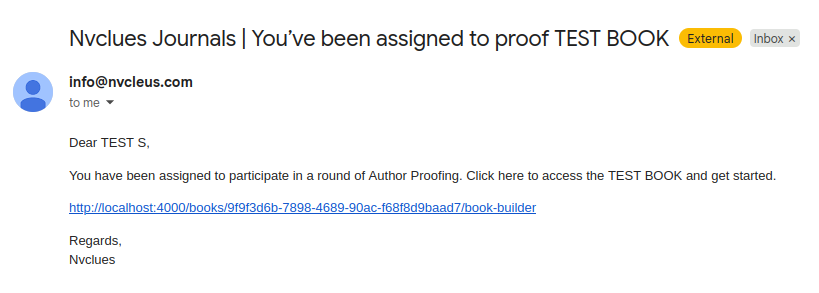
Author Proofing allows authors to review and approve their book/content before final publication. You will receive an email notification when a proofing round is assigned to you.
2. Logging into the Platform
Click the link from the email
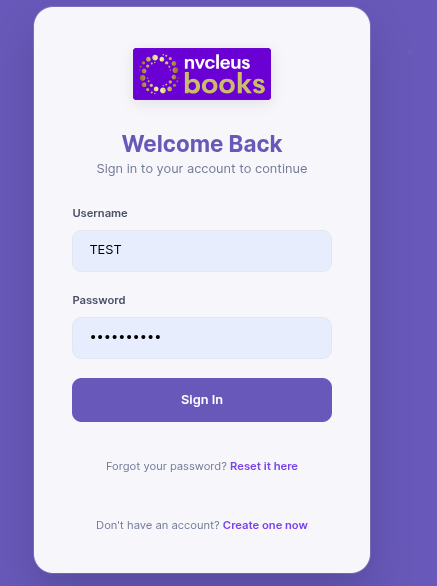
You will be redirected to the login page
Enter your credentials:
Email ID
Password
Click Login
If you don’t have credentials, contact the support/production team.
3. View Assigned Books
After login:
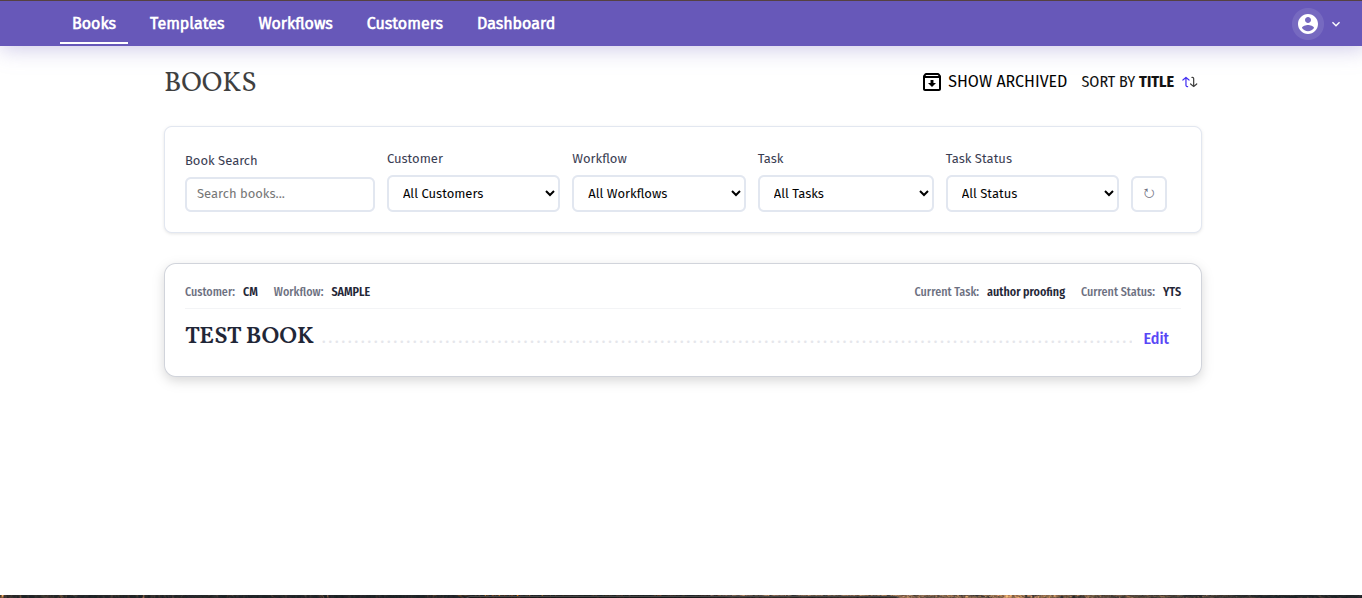
You will see a list of books assigned to you
4. Open the Book
Click Edit on the assigned book
The book details page will open
5. Start Author Proofing Task
Before you begin editing:
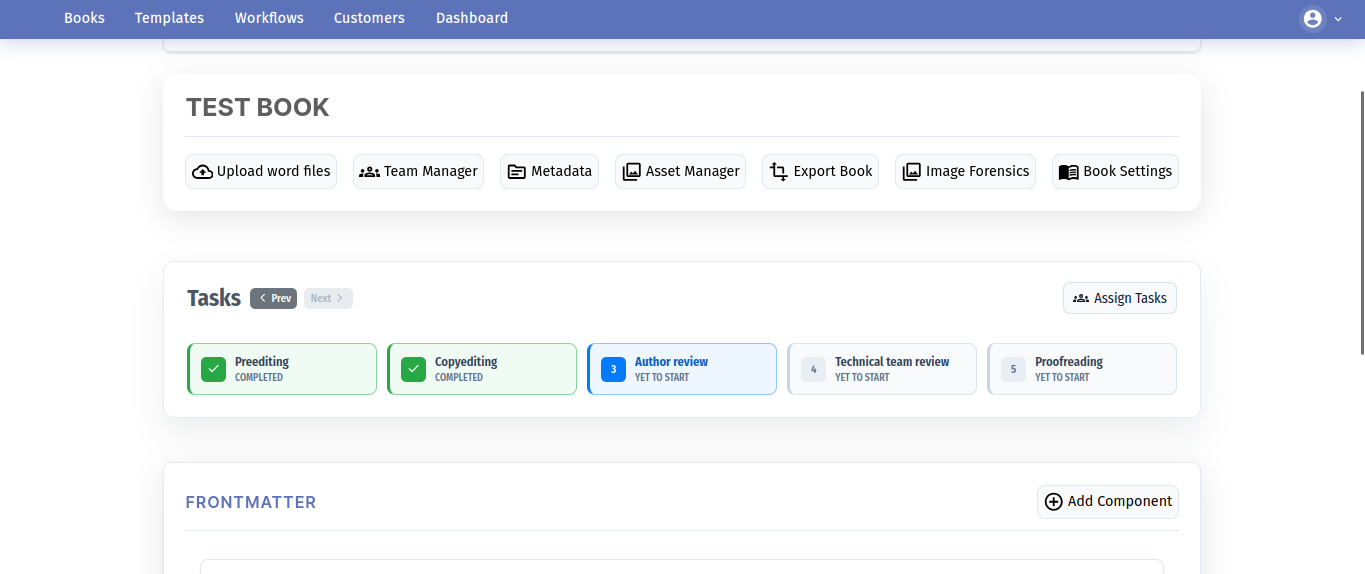
Locate the Tasks section
Find Author Proofing (Yet to Start)

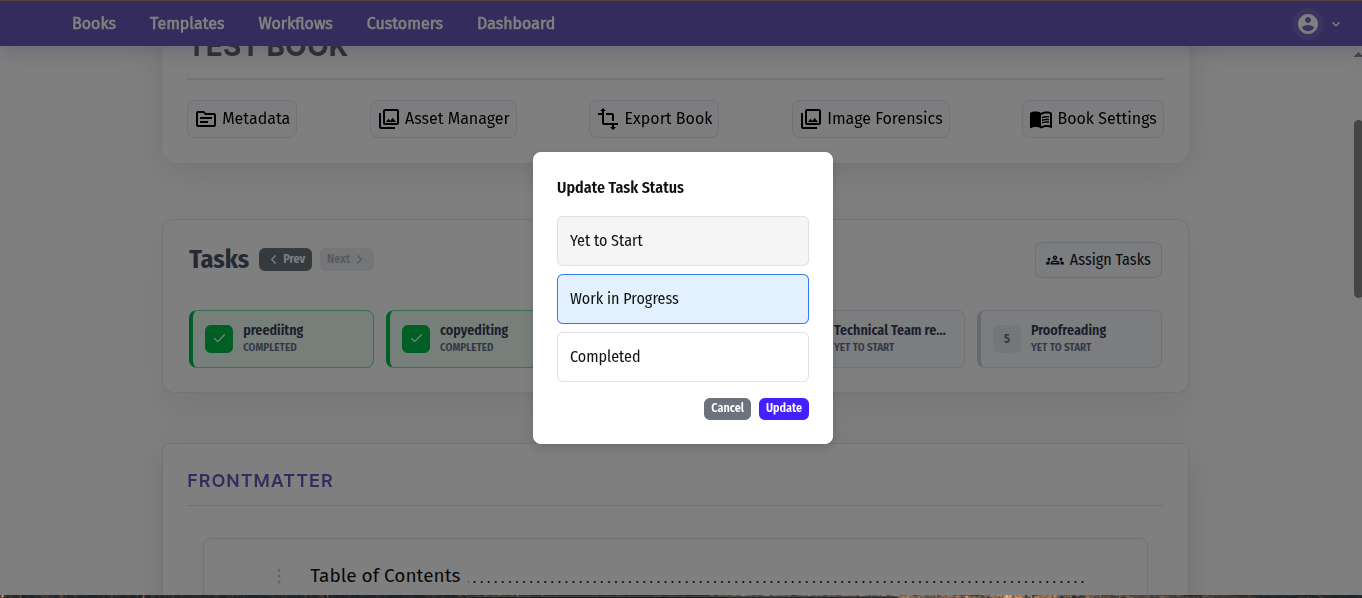
Change Task Status:
Click on Author Proofing
Select Work in Progress
Click Update
Status will change to: In Progress
6. Navigate Through Book Content
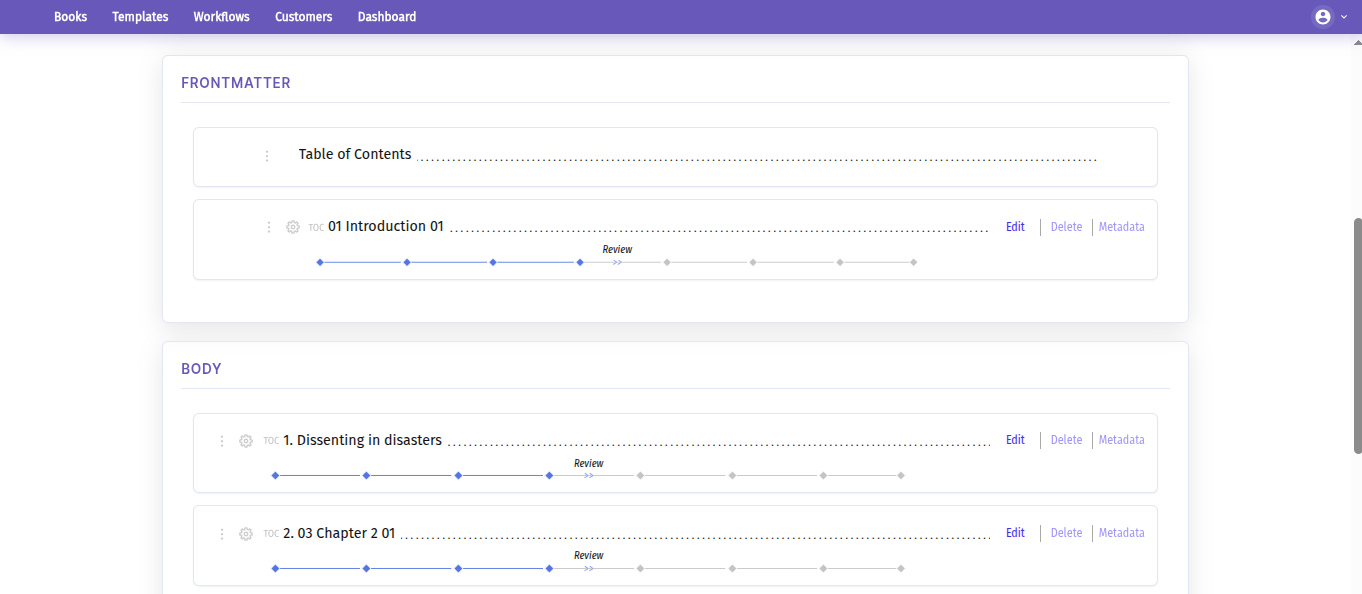
Scroll down to view sections like:
Frontmatter
Body (Chapters)
Backmatter
7. Open a Chapter
Click Edit next to any chapter
The editor will open
8.Edit & Add Suggestions
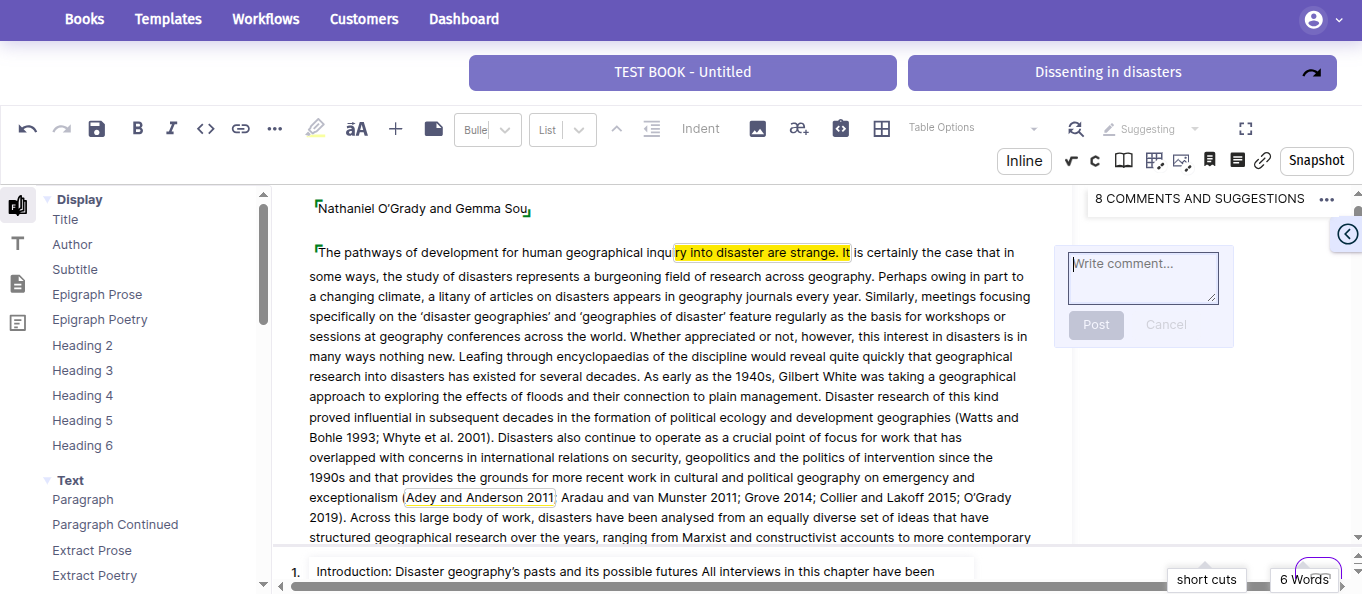
Inside the editor, you can:
Add comments and suggestions
Edit text directly
Review formatting and content
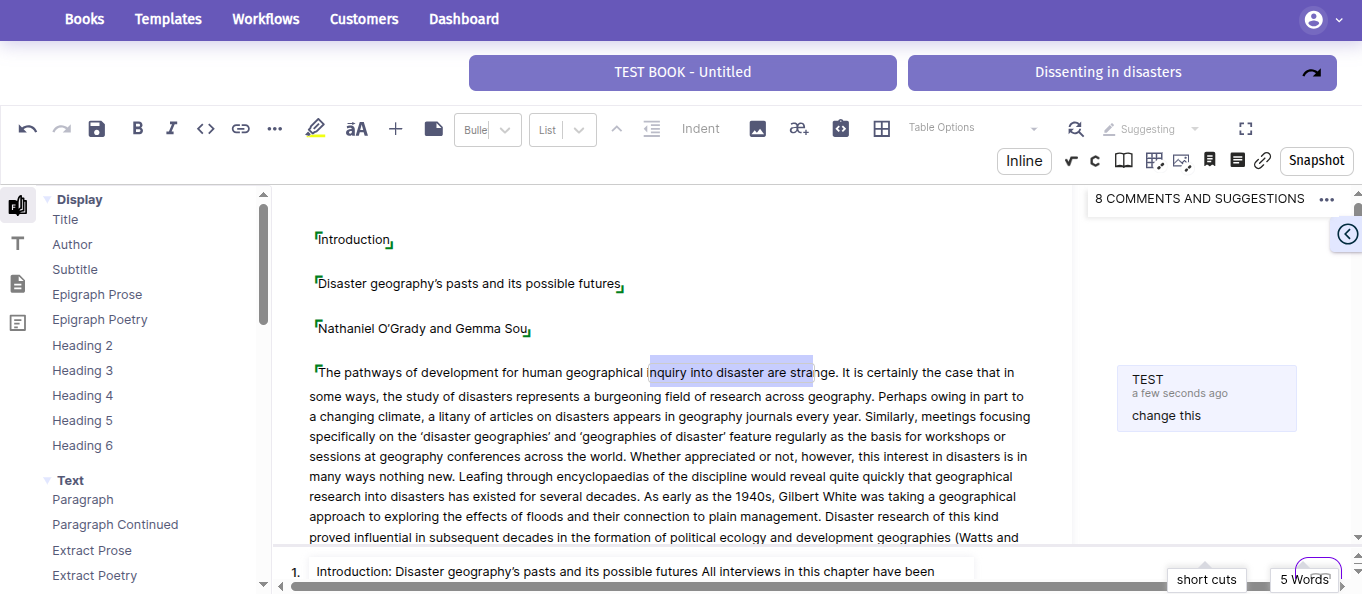
Typical actions include:
Correcting spelling and grammar
Improving sentence structure
Adding reviewer comments
Complete the Task
Once all chapters are reviewed:
Go back to Tasks
Click Author Proofing
Change status to Completed
Click Update

Was this article helpful?
That’s Great!
Thank you for your feedback
Sorry! We couldn't be helpful
Thank you for your feedback
Feedback sent
We appreciate your effort and will try to fix the article